You're still mid-sentence and the AI already jumps in with an answer — that's the most cringe-worthy moment of ChatGPT's Voice Mode. OpenAI's latest update isn't about making the model smarter, but about fixing this most basic issue of conversational manners first.
ChatGPT's voice feature is now on its third generation. The original 2023 Voice Mode was really three separate systems stitched together: speech got converted to text, fed to the language model to generate a response, then read aloud by a separate text-to-speech model — with an obvious robotic feel in between. The later Advanced Voice Mode merged the whole pipeline into a single multimodal model, which was a noticeable improvement, but it still ran on a take-turns structure — pause for a second and it assumes you're done talking, then starts responding, even though you weren't actually finished.
Now taking over by default is GPT-Live, which OpenAI describes as a "full-duplex" architecture that can listen and speak simultaneously. The most noticeable difference in actual use is that it occasionally drops in short interjections like "mm-hmm" or "yeah" while you're still talking — much like how a real person instinctively responds while listening to you. For more complex questions that require reasoning or research, GPT-Live hands the task off to a background model like GPT-5.5, all while keeping the conversation flowing without interruption.
What's Different Between Paid and Free Tiers
GPT-Live is currently available through the ChatGPT app on iOS and Android, as well as the web version. Pro, Plus, and Go subscribers get the GPT-Live-1 model, while free users get GPT-Live-1 mini. To start a conversation, just tap the waveform-style voice icon on the far right of the text input box — first-time use will prompt a request for microphone access.
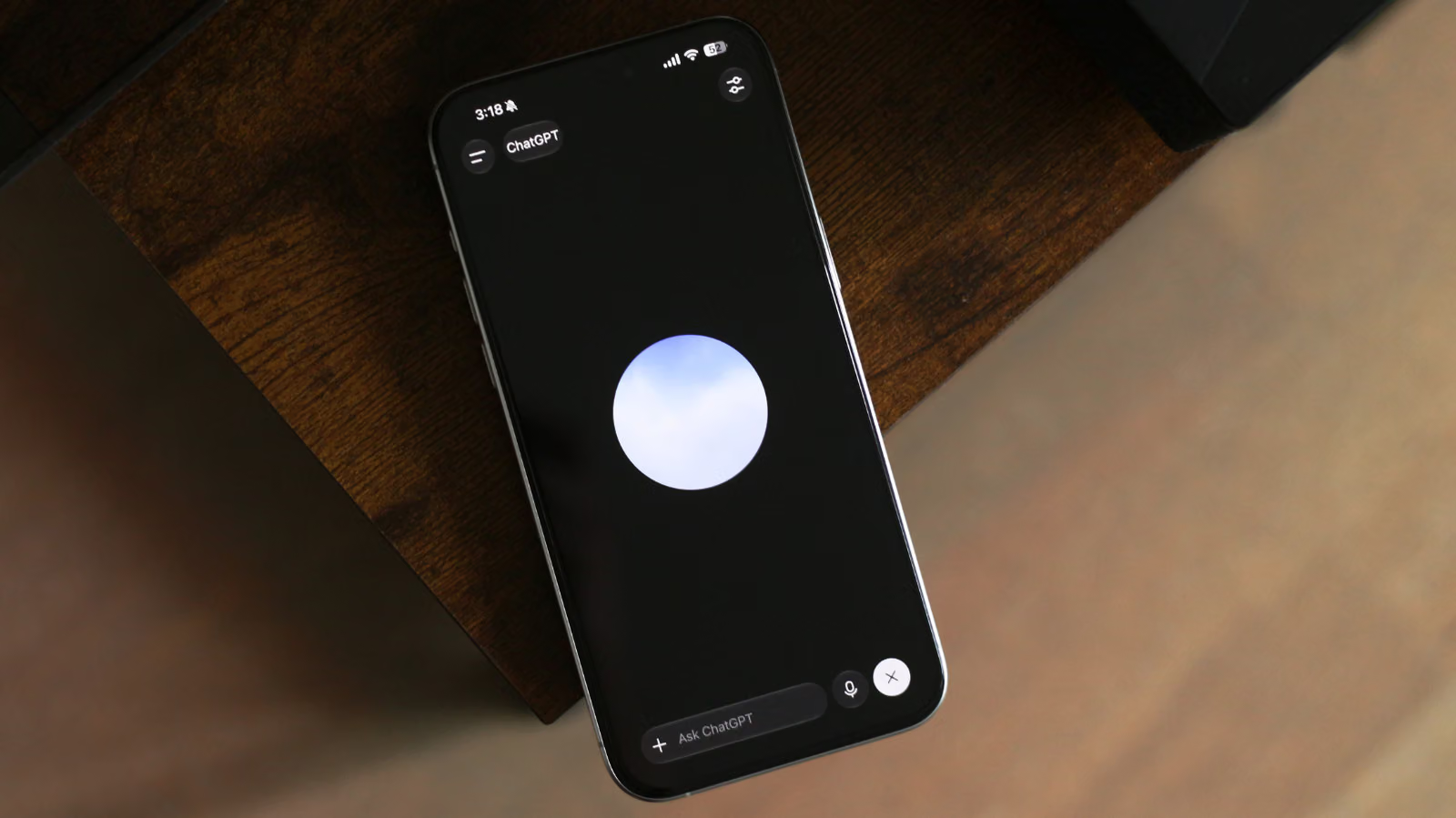
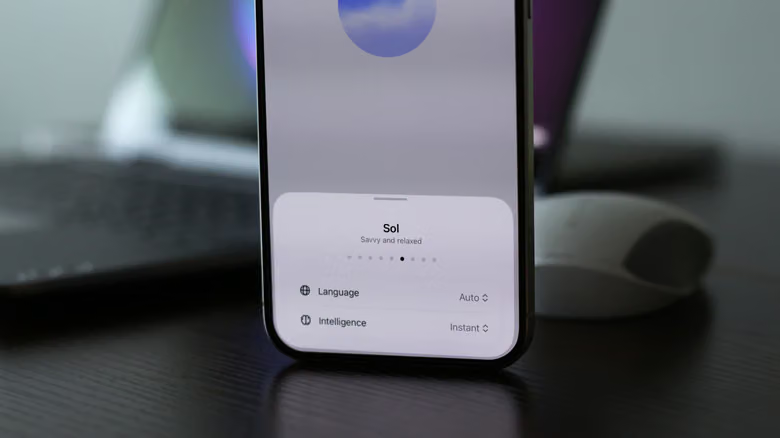
Once you're in voice mode, a floating sphere that reacts to sound appears on screen. Tapping the settings icon in the top right lets you switch between three intelligence levels — Instant, Medium, and High — though this customization option is only available to paid plans; the mini version currently can't be adjusted. Switching to another app or locking your phone during a voice conversation won't end the call — ChatGPT keeps it going in the background.
GPT-Live doesn't yet support screen or display sharing. If you need that feature, you can switch back to the legacy voice model through the Voice menu in Settings — the same menu also lets you change the voice, switch languages, or set voice mode as the app's default on launch.
That Feeling of Being Genuinely Listened To
Engadget editor Adnan Ahmed, who usually prefers typing and never felt much for voice features, changed his mind after having a few longer conversations with GPT-Live. What stood out to him wasn't how smart the responses were, but how quickly he forgot he was even talking to an AI — no interruptions, no awkward waiting for it to finish before he could jump in, and when speaking in longer sentences, it almost felt like the AI was anticipating what he was about to say next.
This kind of real-time responsiveness also makes GPT-Live well-suited for live interpretation. You can scroll down anytime during a conversation to see the full transcript, and if a question is better suited to a chart or interface, the system generates an interactive visual element alongside the spoken response.
The intelligence level defaults to Instant, which is fast enough for everyday questions, while tasks requiring fact-checking or deeper reasoning still get routed to a background model. If you frequently discuss complex topics, switching to Medium or High adds a second or two of thinking time, but that slight delay doesn't disrupt the flow of conversation.