Ten years ago, loading a credit card onto your phone was still an early-adopter move. Now, setting up a new iPhone or Android phone practically walks you straight into adding a card to Apple Pay or Google Wallet. Samsung users get an extra option in Samsung Pay, which integrates more tightly with the company's own phones, though fewer merchants support it than Google Wallet. You'd think this is the moment to just tell everyone to go fully digital, but Engadget's roundup lands on a surprisingly conservative take: keep a physical card and a little cash on you as backup anyway.
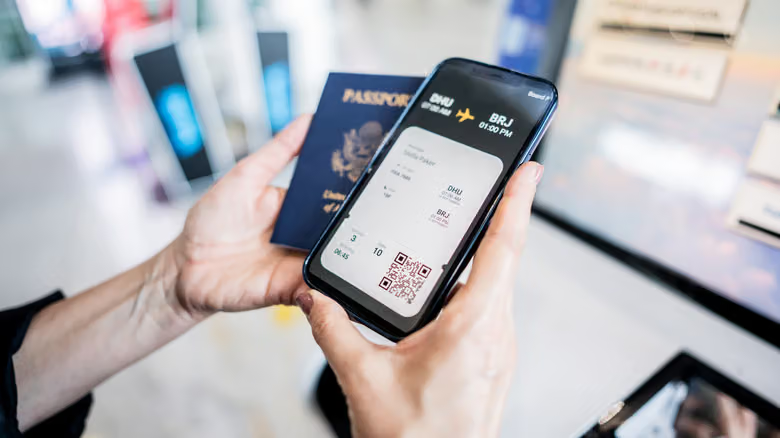
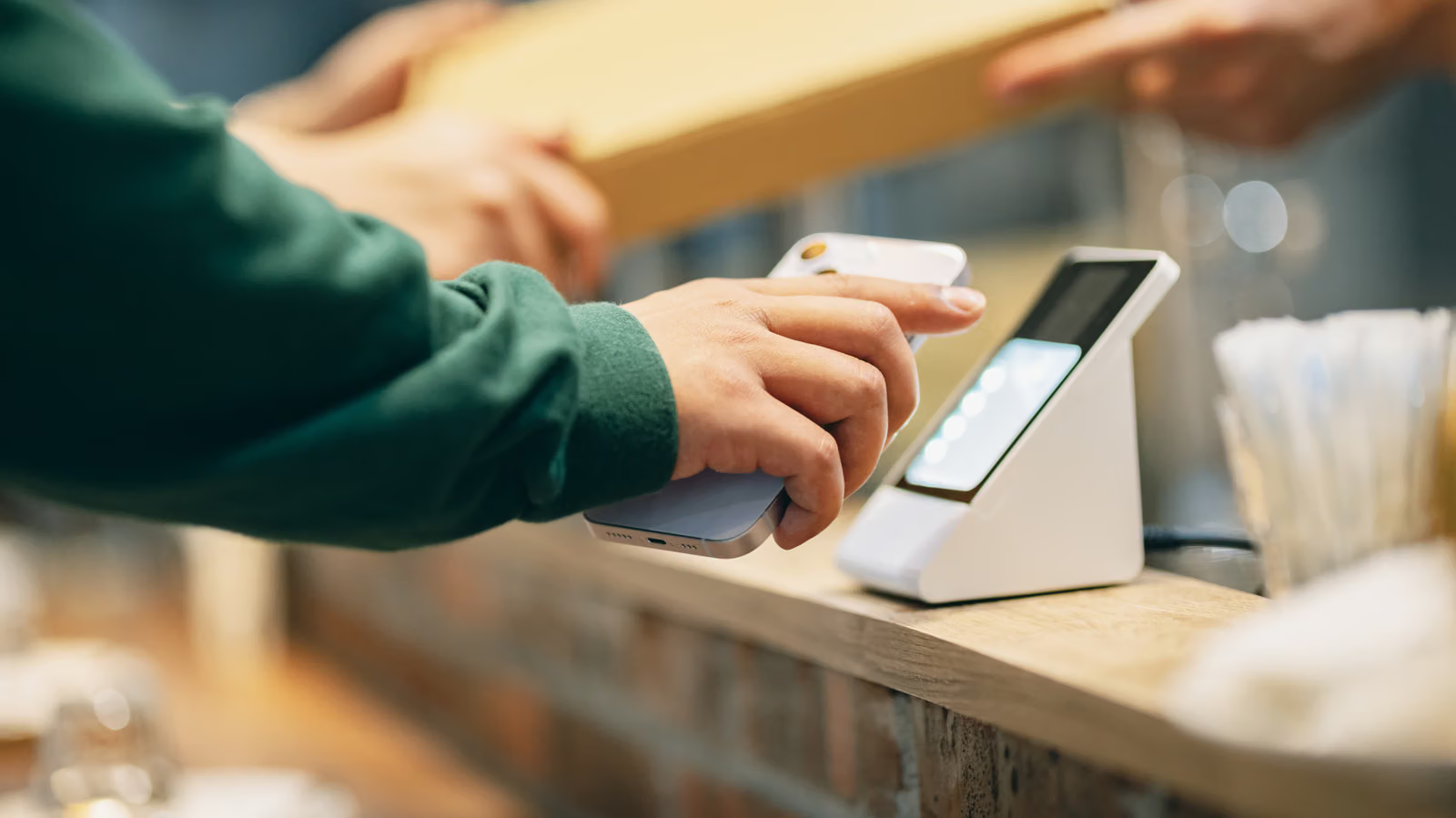
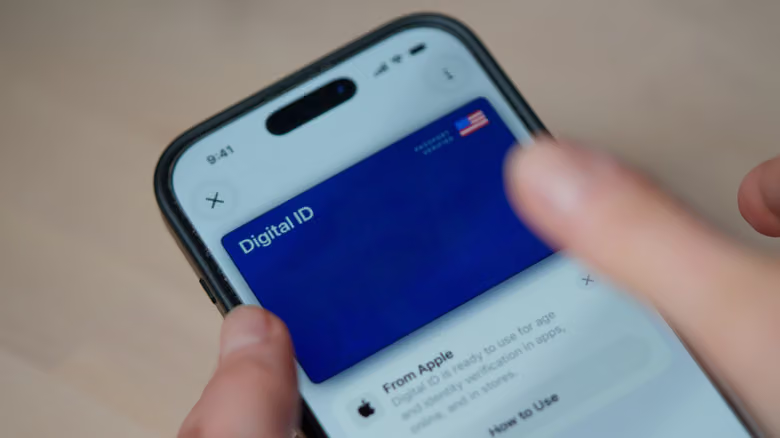
The convenience part is obvious. Tapping to pay is way faster than waiting for a chip reader to finish its cycle, and stacking multiple cards on one phone means you can switch based on cashback rewards without lugging your whole wallet around. Apple Watch and some Android smartwatches let you pay straight from your wrist, too. And it's not just cards living in there—concert tickets, store loyalty cards, boarding passes, hotel room keys all funnel into the same place if the app has an "Add to Apple Wallet" or "Add to Google Wallet" button. Some states even let you load a digital ID, and compatible cars support using your phone as the key. Online checkout works on the same logic: services like Apple Pay let you finish a purchase in one step instead of re-entering your card number and contact info on every new site.
Security Comes From Tokenization, Not Passwords
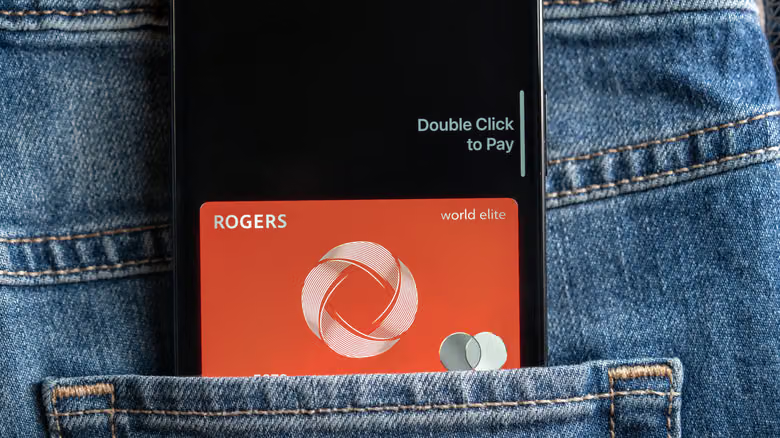
If your physical card gets stolen, someone can just start swiping it—small purchases often don't even require a signature check. A stolen phone, at least, still has a device PIN or face/fingerprint lock standing in the way. And just like chip cards, tap-to-pay generates a one-time-use code for every transaction (tokenization), so intercepted data is useless; digital wallets add another layer by storing a unique number for each card that's unrelated to the actual card number. When a chip reader breaks and you're forced to swipe the magnetic stripe, that's the moment you're most exposed to skimming—tapping with your phone sidesteps that entirely. Lose your phone, and you can mark that specific device as lost online and shut off payments on it alone, while Apple Pay on your other devices keeps working. Lose a physical card, and you're stuck reporting it, waiting for a replacement, and the old card gets killed everywhere at once.
Beyond Dead Batteries and No Signal, the Real Risk Is Getting Scammed
Apple Pay and Google Pay still work without an internet connection, but they need a charged phone. The one exception is Apple Pay's Express Mode, which lets things like car keys and transit cards keep working even after your phone dies—Apple says it can last up to "five hours," but only if the battery drains on its own; manually powering off the phone doesn't count. As for the real security risk with digital wallets, Engadget doesn't sugarcoat it: most problems aren't the platform getting hacked, they're someone tricking you into sending money yourself through something like Apple Cash. For everyday use, loading a credit card instead of a debit card into your digital wallet is the safer bet—fraud on a credit card doesn't immediately drain the money sitting in your own bank account.