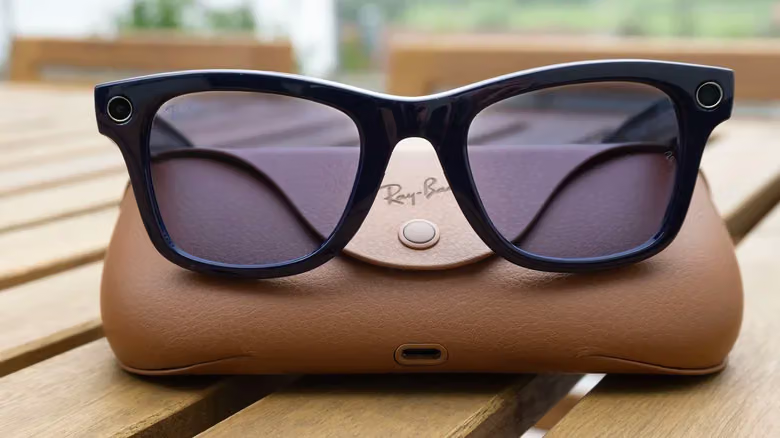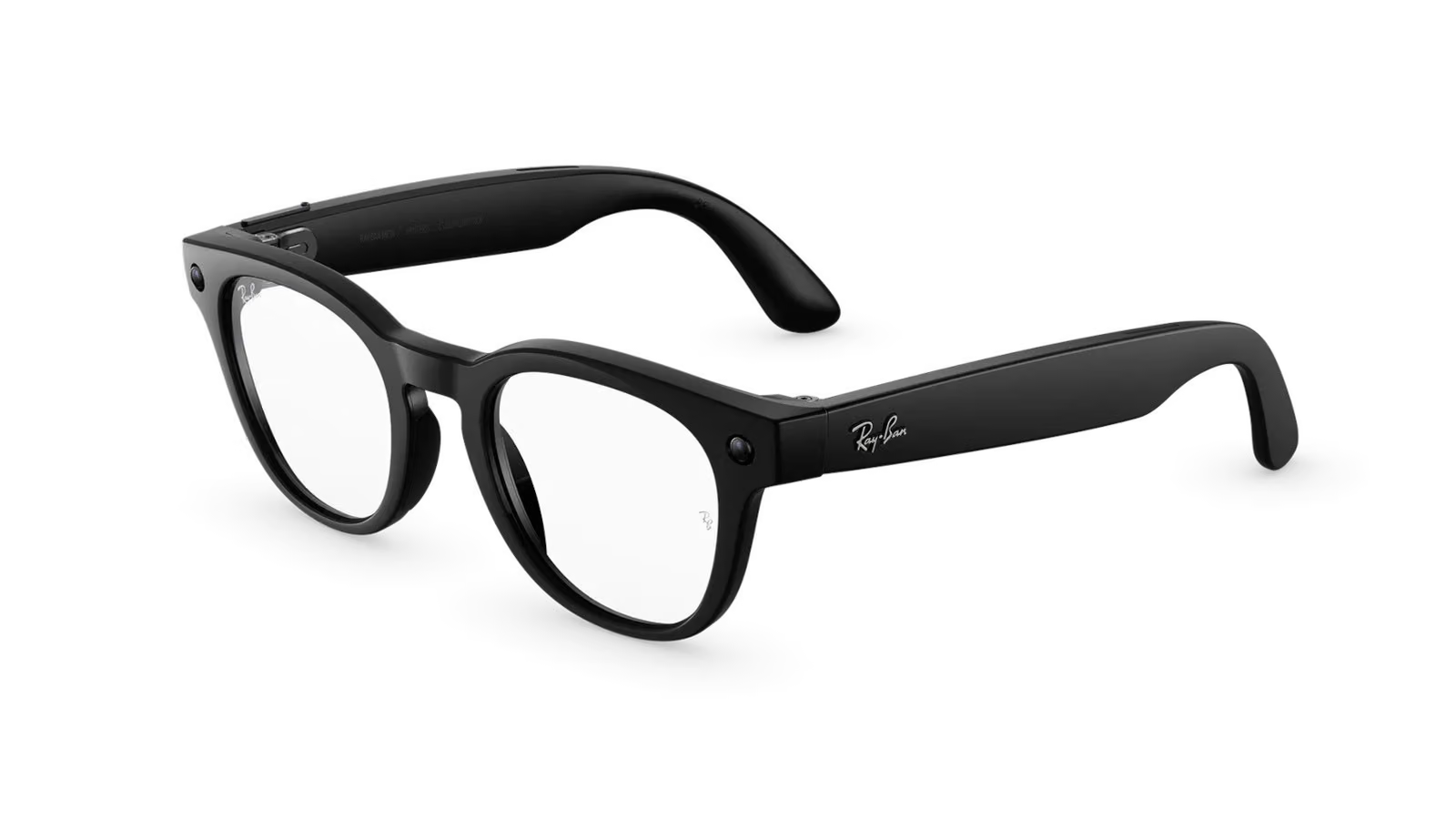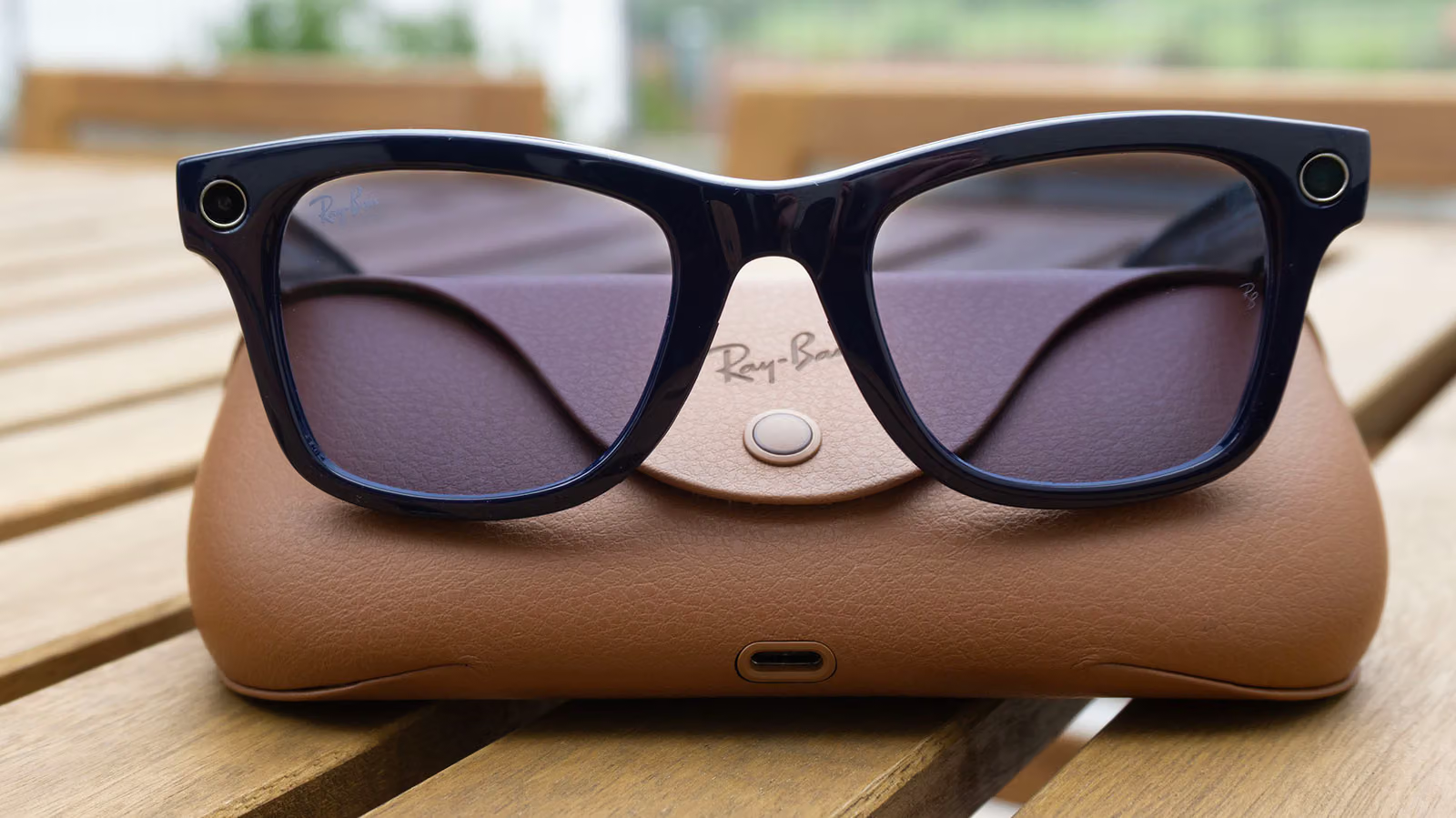
Let's start with a fact that's easy to get wrong: when you snap a photo with your Ray-Ban Meta glasses, Meta doesn't see it by default. Engadget's Karissa Bell has been tracking this issue since the first-generation Ray-Ban Stories launched back in 2021, and this time she got official answers from Meta that break "what exactly are the glasses collecting" into four distinct scenarios—and the answers aren't consistent across the board. That inconsistency is exactly what makes this report worth reading.
The first scenario is basic photo and video capture. A Meta spokesperson told Engadget clearly that unless you actively share content, footage stays on your device and doesn't automatically sync to the company's systems. But if you've enabled cloud media storage, whatever you capture gets automatically uploaded to Meta's servers and kept for 30 days—this setting is also required for features like voice sharing and autocapture to function at all. The toggle is buried in the Meta AI App under Settings > Glasses > Glasses privacy > Cloud media, somewhere most people probably haven't gone digging.
The second scenario involves AI features, and the rules change entirely. The moment you use Live AI or ask the glasses something like "what is this," the camera snaps a photo that gets sent to the AI for analysis. That image never lands in your camera roll—but Meta does keep it. Here's the kicker: Meta admits it has third-party contractors review and label these images to train its AI systems, with the company saying it takes "steps to filter data and avoid reviewers seeing identifying information." This matters especially for anyone using the glasses to assist with low vision or blindness—if you're handling documents with personal information, or you're in a setting where you don't want to be recorded, it's worth steering clear of these multimodal features.
The third scenario, voice commands, ratchets privacy down another notch. Any time you interact with the Meta AI assistant, the glasses record what you say and automatically save a transcript. US users used to have the option to opt out of syncing that audio to the cloud—that option is now gone. Only EU users, thanks to stricter local privacy regulations, still retain the right to opt out. Meta says it uses machine learning plus "trained reviewers" to process these recordings, arguing it helps identify voice interactions the system is prone to misreading. Even accidental triggers—what Meta calls "false wakes," where the wake word gets misfired and something gets recorded unintentionally—get flagged and are supposed to be purged from the system within 90 days of detection. If you want to clear your history, head to the Meta AI App's Settings > Glasses > Glasses privacy > Voice activity log, where you can hit "delete all" or remove entries one by one. Bell notes that most people who actually check this log are surprised by how many recordings are sitting there.
The fourth scenario is the most direct question: can someone actually secretly record you with these glasses? Yes—and there are already plenty of examples. The glasses are designed to flash a light when taking photos and blink continuously while recording, and covering that LED indicator is supposed to trigger the camera to lock. But accessories specifically made to bypass this detection are already on the market, and some people are even offering DIY services that physically drill out the LED entirely. Meta's countermeasure is a software update that shuts down the camera the moment it detects the LED has been tampered with, and Instagram has started banning accounts that wear modified glasses to harass people and then brag about it in posts. Meta says it will keep cracking down on violations of its terms of use, but the report is blunt about one thing—right now, Meta hasn't fully managed to stop people from doing this.